Sitecore Is Slow. Sitecore Sucks.
Most Sitecore performance problems aren't platform failures. They're implementation failures. Here are three embarrassingly simple fixes we find in nearly every audit.
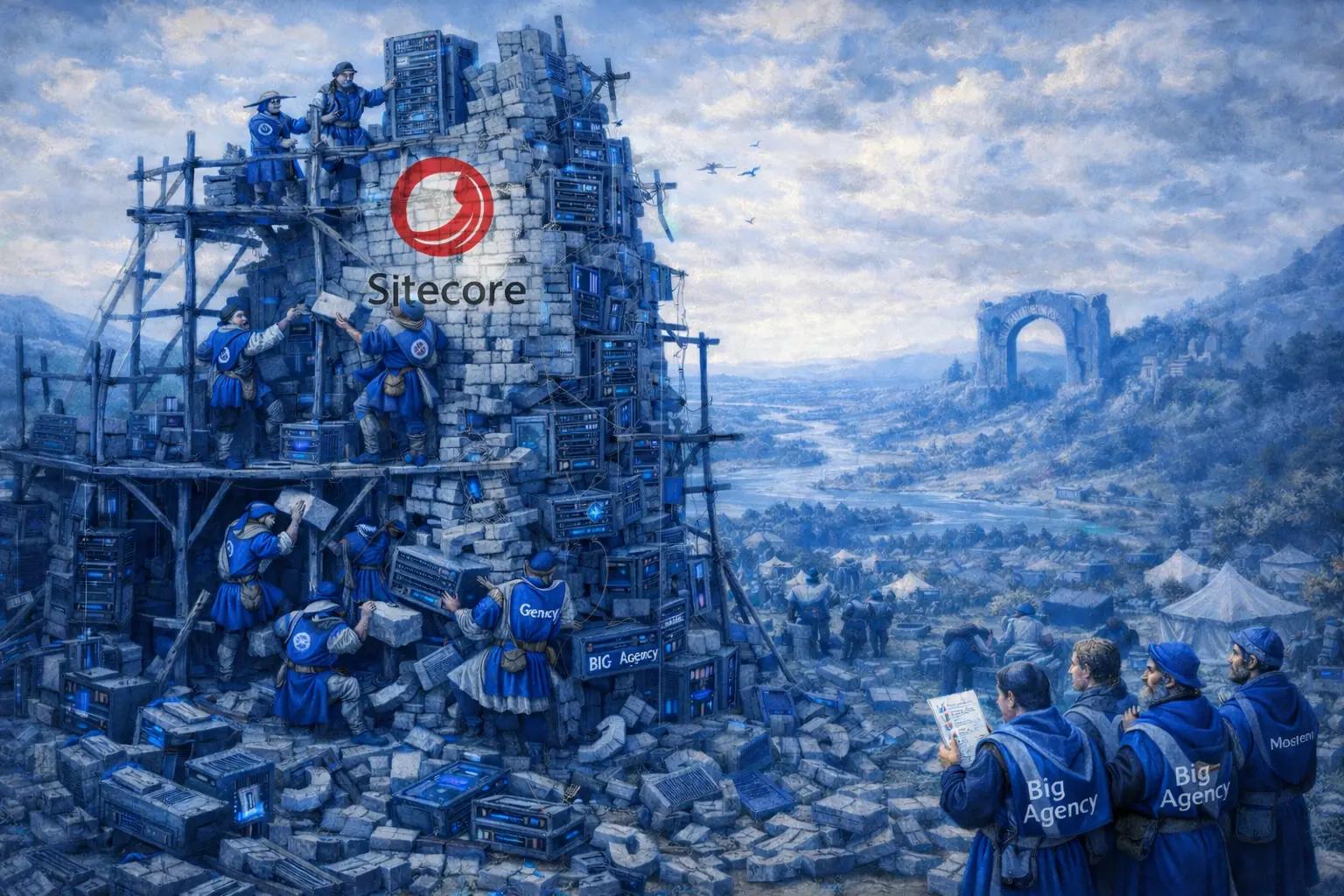
We hear it every call. A new client reaches out, frustrated beyond belief, ready to rip Sitecore out of their infrastructure and replace it with anything else. "Sitecore is slow." "Sitecore sucks." "We need to migrate off this platform yesterday."
I get it. When your pages take five or six seconds to load and your content editors are watching spinners all day, you start blaming the platform. But as someone who conducts a dozen Sitecore Audits a year, I can tell you something that might be hard to hear: Sitecore isn't the problem. Your implementation is.
The HT Blue Sitecore Audit
When a client comes to us ready to abandon ship, the first thing we do is run a comprehensive Sitecore Audit. We dig into the configuration, the codebase, the infrastructure, and the content architecture. We look at what was built, how it was built, and whether anyone followed the documentation that Sitecore has made freely available for over a decade.
What we find is almost always the same story. Basic best practices that Sitecore publishes in their own documentation, practices that any competent implementation partner should know by heart, are simply ignored. Not edge cases. Not obscure optimizations buried in a knowledge base article from 2014. The fundamentals. The things that should be on a checklist before any Sitecore site goes to production.
And here's the part that really gets under my skin: these implementations aren't coming from small shops or freelancers figuring things out as they go. They're coming from agencies that position themselves as Sitecore experts. Platinum partners. Award winners. We're talking about firms with impressive logos on their websites and confident sales teams who promise the world.
We wish we could name names. We really do. But professionalism keeps us diplomatic, even when the work we inherit makes our heads spin. I will say this much: having the most Sitecore MVPs on your roster doesn't mean much if the fundamentals are being ignored in production. MVPs are recognized for community contributions, not necessarily for what's shipping to your clients' servers. And some of the worst implementations we've audited came from the partner you'd least expect based on their public profile.
Three Fixes That Take Hours, Not Months
Let me walk you through three issues we encounter in nearly every audit. These aren't complex refactoring projects. These are configuration settings and basic practices that can be addressed in hours, sometimes minutes, with dramatic results.
1. HTML Rendering Cache: The Single Biggest Offender
This is the one that makes me want to put my head through a wall. Sitecore ships with a powerful built-in rendering cache. Every component on your page can have its HTML output cached so that subsequent requests serve the pre-rendered markup instead of hitting the data layer and rebuilding the entire component from scratch on every single page load.
When we open up a client's Sitecore instance and check the rendering definitions, we find the same thing over and over: the caching checkboxes are completely untouched. "Cacheable" isn't checked. "Vary By Data," "Vary By Param," none of it. Every component on every page is being fully rendered on every request for every visitor.
The fix takes a few hours at most. Walk through each rendering, enable caching, and set the appropriate variation parameters based on whether the component is personalized, data-driven, or static. The impact is immediate and often dramatic. We've seen page load times drop by 40 to 60 percent from this single change alone.
This is not an advanced optimization. This is in the Sitecore documentation under performance best practices. It has been there for years.
2. Media URLs: The Tilde That Costs You Seconds
Here's a subtle one that trips up a surprising number of implementations. Sitecore supports two URL formats for serving media assets. The first uses a tilde: /~/media/. The second uses a dash: /-/media/. They look almost identical. They are not.
The tilde-based path routes every media request through the full Sitecore pipeline. That means every image, every PDF, every downloadable asset on your site goes through the same processing as a content page request. The dash-based path bypasses much of that overhead and serves media far more efficiently through a dedicated handler.
Switching from /~/media/ to /-/media/ is a configuration change. It requires updating the Media.RequestExtension settings and ensuring your media links use the correct prefix. For most sites, this can be done in an afternoon. For sites serving hundreds of media assets per page, the performance improvement in server response time is meaningful and measurable.
We have audited sites from major agencies where every single media reference used the tilde format. Thousands of images, all taking the long way around.
3. SQL Server Memory: The Silent Performance Killer
This one isn't even a Sitecore issue, strictly speaking. It's a SQL Server configuration setting that any database administrator should know about, and yet we find it misconfigured on a regular basis.
SQL Server, by default, will consume as much memory as the operating system gives it. If you don't set a maximum memory limit, SQL Server will happily eat all available RAM. When that happens, the operating system starts swapping data to disk, and your entire Sitecore instance slows to a crawl. Content Delivery servers become sluggish. Content Management becomes nearly unusable. Editors blame Sitecore. Visitors leave.
The fix is a single setting. In SQL Server Management Studio, set the maximum server memory to roughly 80 to 90 percent of the total available RAM, leaving enough for the operating system and the IIS worker processes to function. That's it. One setting, one restart, and the swapping stops.
We've walked into client environments where multi-million dollar Sitecore implementations were running on SQL Server instances with no memory cap whatsoever. The hosting partner never set it. The implementation partner never checked. And the client spent months thinking their platform was fundamentally broken.
The Real Outcome: From Divorce to Renewed Vows
Here's the part of the story that makes all of this worthwhile. Clients come to us convinced that Sitecore is the enemy. They've started evaluating other platforms. They've allocated budget for a migration. Some have already told their board that a re-platform is inevitable.
Then we run the audit. We find these issues and a handful of others like them. We apply the fixes, often within a week or two. And the same platform that was "broken" is suddenly performing the way it was always supposed to.
Page load times drop. Editor experience improves. The infrastructure that was supposedly undersized turns out to be more than adequate once the software is configured correctly.
The reaction is always the same. Relief, followed by frustration at the previous partner, followed by a genuine appreciation for what Sitecore can actually do when it's implemented properly. Clients who were ready to run from the platform end up falling in love with it again. They see the personalization engine working at speed. They see content publishing without delays. They see a platform that, when treated with basic care and competence, delivers on the enterprise promise it was designed to fulfill.
The Uncomfortable Truth
Sitecore is not a cheap platform. It's not a simple platform. But it is a capable one, and it doesn't deserve the reputation it gets when the real problem is the implementation partners cutting corners, skipping documentation, or simply not knowing what they're doing despite the certifications hanging on their wall.
If your Sitecore site is slow, don't start shopping for a replacement. Find a new Sitecore partner. Start with an audit. The answer might be simpler, and more frustrating, than you expect.
If you're ready to find out what's actually going on under the hood, call us. We'll tell you the truth, even when it's uncomfortable. That's what thirty years in this industry has taught me is the only way to build something that lasts.
- Sitecore
- Sitecore Performance
- Sitecore Audit
- CMS Performance
- HTML Caching
- SQL Server
- Sitecore Best Practices